Fast AI
Generate production-ready engraving fills in seconds.
Upload a clean outline and let AI generate dense, engraving-ready infill while preserving every border and inner hole of your shape.
Compatible with LightBurn, LaserGRBL, RDWorks, EZCad, Ruida & Trocen
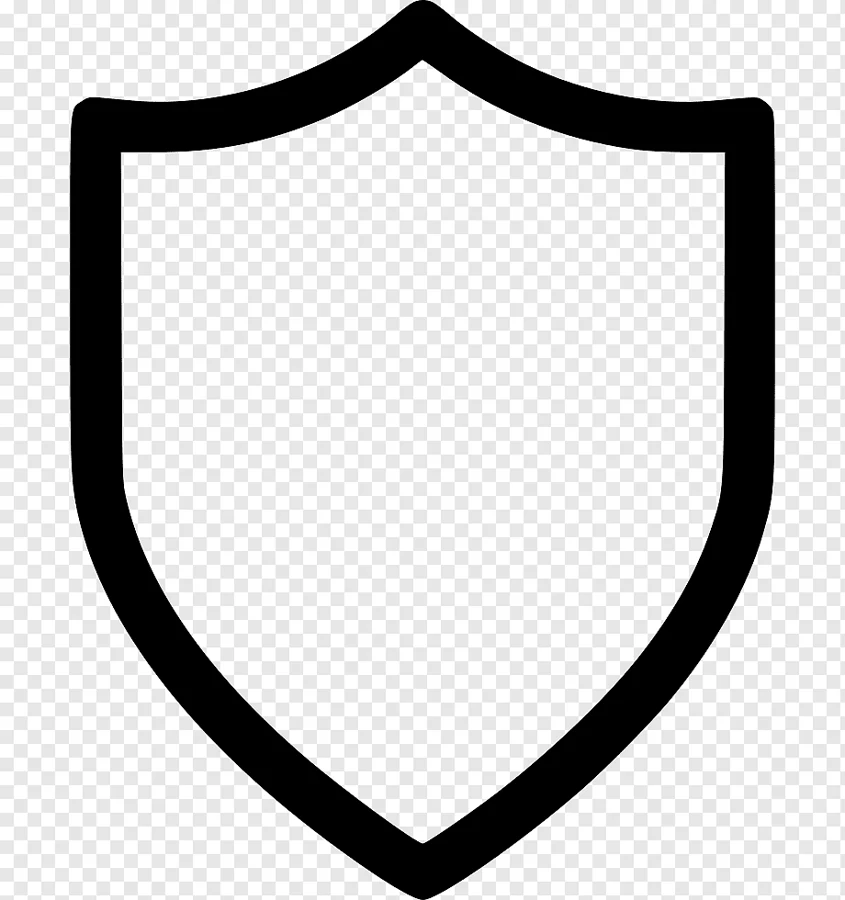
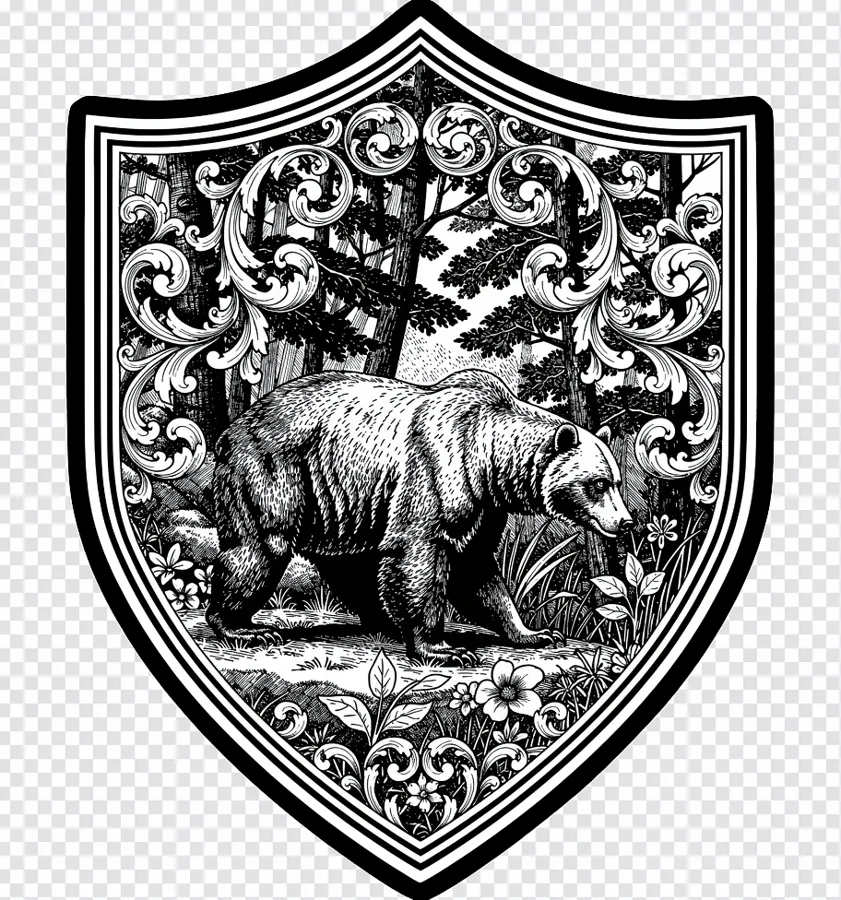 Outline
Engrave fill
Outline
Engrave fill
EngraveFill fills only the valid interior of your shape. Borders, contours and internal holes are never modified. Download high-contrast output and go directly to engraving.
Generate production-ready engraving fills in seconds.
Edges and holes remain intact. Only the interior is filled.
High-contrast results suitable for common laser workflows.
Download PNG, vector SVG or a 1-bit black & white image and start engraving.
New categories including Scrollwork, fairy-tale and cartoon characters for kids, borders and medallions – with search in the style picker.
Pick any style and flip one switch: white ornament on a solid black background – perfect for knife blades, grips and dark materials.
Vector SVG for your laser software and a crisp 1-bit black & white PNG at 4096 px, next to the regular PNG.
Start a generation, close the tab and come back – your result waits in the dashboard. Failed generations are refunded automatically.
English, Czech, German, Spanish, French, Polish and Turkish – use the language switch in the header.
Sign up, confirm your email and generate your first fills for free.
A high-contrast PNG or JPG of the shape you want to engrave.
Pick a ready-made style or describe your own fill.
Review the preview and export a high-resolution PNG.
EngraveFill is an online AI generator that fills a closed outline with detailed engraving artwork (for example scrollwork, ornaments or themed scenes). The result is a high-contrast image ready for laser engraving or CNC.
Upload a clean outline of your shape, choose an engraving style and click Generate. The AI fills only the inside of the outline and keeps the borders and inner holes intact. Then download the result.
Upload the outline as a high-contrast PNG or JPG, ideally black lines on a white background (recommended size 1024×1024 px). You can download the result as a high-resolution PNG, as an SVG vector trace or as a 1-bit PNG for the laser.
The exported files work with LightBurn, LaserGRBL, RDWorks, EZCad, Ruida and Trocen and can be imported into any vector or CAM program.